
Table of Contents
ToggleJoin our Community to stay ahead with Insights straight to your Inbox Subscribe for The Latest Tips and Insights straight to your Inbox !
Learning Articles :
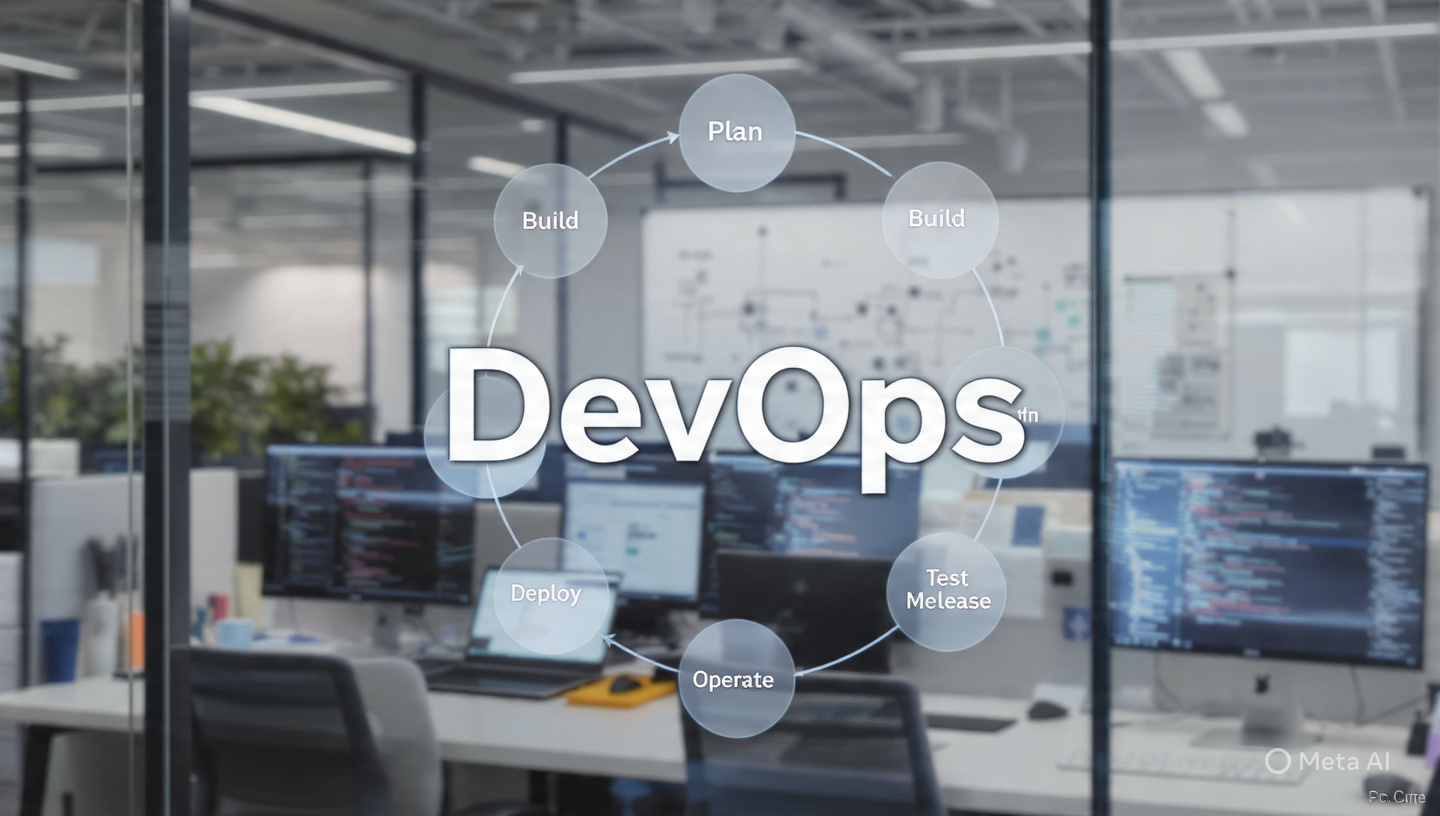
DevOps has become one of the most in-demand skills in modern software development. It helps teams build, test, and deploy applications faster while maintaining high quality and reliability.
In this guide, you’ll learn the core pillars of DevOps, including CI/CD, containers, deployment strategies, monitoring, and more—explained in a simple, practical way.

What is DevOps?
DevOps is a combination of development (Dev) and operations (Ops).
It focuses on:
- Automation
- Continuous delivery
- Faster feedback cycles
- Better collaboration
The ultimate goal is simple: release better software, faster and more reliably.
1. Pull Request Automation (Code Collaboration at Scale)
Pull Requests (PRs) are how developers share and review code before merging.
Popular tools include:
GitHub
GitLab
Bitbucket
Why PR Automation Matters
Ensures code quality
Enables team collaboration
Reduces bugs in production
# clone repo
git clone https://github.com/user/project.git
# create branch
git checkout -b feature/login
# make changes
git add .
git commit -m “Added login feature”
# push code
git push origin feature/login
What You Can Automate
-
Code checks (linting, formatting)
-
Security scans
-
Automated tests
-
Temporary test environments
👉 Best practice: Merge pull requests within 24 hours to maintain speed.

2. Continuous Integration (CI): The Foundation of DevOps
Continuous Integration (CI) means developers push small, frequent changes, and every change is automatically tested.
Benefits of CI
Detect bugs early
Prevent broken builds
Improve collaboration
Increase user satisfaction
👉 CI is the first step toward full DevOps automation.
3. Deployment Automation (CI/CD in Action)
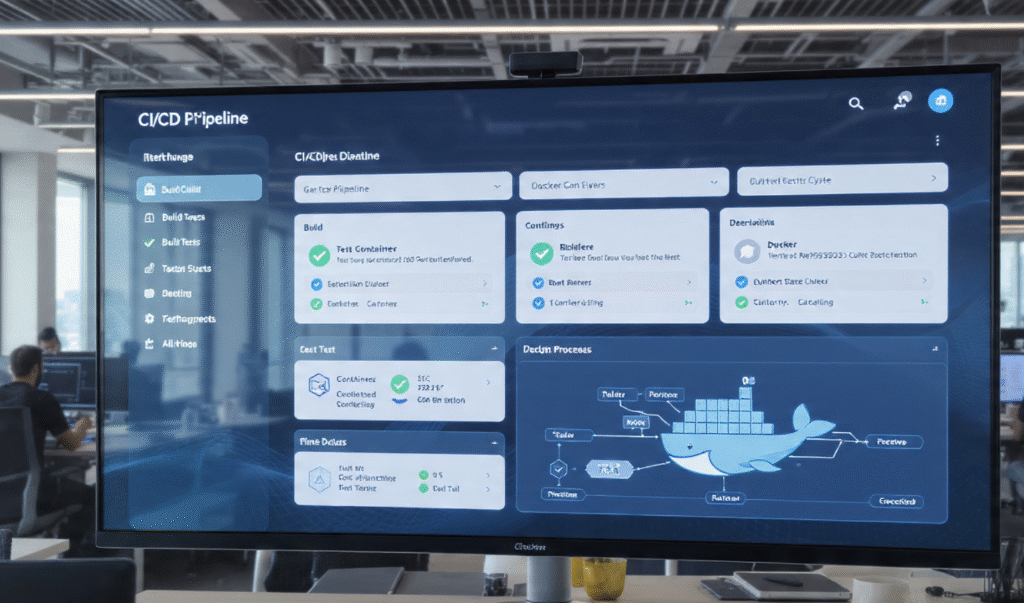
Deployment automation ensures that applications are released quickly and safely.
Key Features
Automatic deployments
Rolling updates
Instant rollback
Why It Matters
Reduces human error
Speeds up releases
Keeps systems stable
Simple Deployment Script
#!/bin/bash
echo “Pull latest code”
git pull origin main
echo “Install dependencies”
npm install
echo “Restart server”
pm2 restart app

4. Application Performance Monitoring (APM)
Once your application is live, monitoring becomes critical.
Core Components
Metrics (CPU, memory, response time)
Logging (system events)
Monitoring (health tracking)
Alerting (issue notifications)
Goal
Detect and fix issues before users are affected.
Join our Community to stay ahead with Insights straight to your Inbox Subscribe for The Latest Tips and Insights straight to your Inbox !
5. Containers vs Virtual Machines (VMs)
Virtual Machines
Run a full operating system
Strong isolation
Slower and resource-heavy
Containers
Tools like Docker make containers lightweight and fast.
How Containers Work ?
Containers use Linux namespaces to isolate resources.
Each container has its own:
File system
Network ports
Processes
👉 Even though multiple containers run on the same OS, they behave like separate systems.
Key Difference
VM = Full machine
Container = Lightweight isolated environment
SSH Keys for Secure Access (Very Important 🔐)
Instead of passwords, DevOps uses SSH keys.
Generate SSH Key
ssh-keygen -t rsa -b 4096 -C "your_email@example.com"ssh-copy-id user@your-server-ipConnect to Server
ssh user@your-server-ip👉 Used in deployments, CI/CD pipelines, and cloud access.
6. Deployment Strategies (Safe Release Techniques)
Rolling Deployment
- Update servers gradually
- No downtime
- Easy rollback
Blue-Green Deployment
Two environments (old + new)
Switch traffic instantly
Very safe
Canary Deployment
Release to a small % of users
Monitor feedback
Reduce risk
7. Serverless vs Autoscaling
Autoscaling → Adds more servers during high traffic
Serverless → Runs code only when triggered
👉 Serverless is faster and event-driven
👉 Autoscaling works over longer periods
8. Service Discovery in DevOps
In distributed systems, services need to communicate.
Example:
Database →
10.1.1.1:5432Backend →
10.1.1.2:8080
Service discovery helps systems connect without hardcoding IP addresses.

9. Zero Downtime Deployment
Zero downtime means updating your app without interrupting users.
Steps
- Deploy new version
- Wait until it’s stable
- Redirect traffic
- Shut down old version
👉 Users never experience downtime.
Join our Community to stay ahead with Insights straight to your Inbox Subscribe for The Latest Tips and Insights straight to your Inbox !
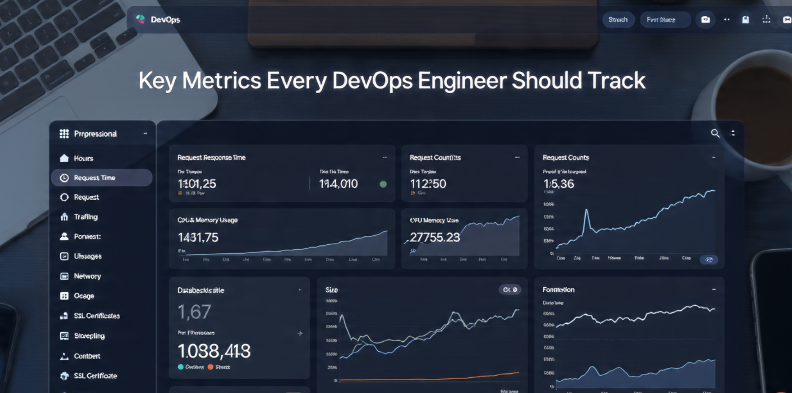
Key Metrics Every DevOps Engineer Should Track
Request response time
Request count (traffic)
CPU & memory usage
Database size
Network throughput
SSL certificate expiry
Virtual Machines vs Containers: From Basics to Advanced (Complete Guide)
1. The Basic Idea
When you run a program directly on your system:
- It uses your OS
- It shares system resources with other apps
This can cause problems like:
- Dependency conflicts
- Version mismatches
- System crashes
👉 Solution: Isolation
That’s where VMs and containers come in.
VM Architecture
Hardware
   ↓
Hypervisor
   ↓
VM (OS + App)
VM (OS + App)
Pros of VMs
Strong isolation
Run different operating systems
Secure for untrusted workloads
Cons
Heavy (full OS per VM)
Slower startup
More memory & storage usage
Container Architecture
Hardware
   ↓
Host OS
   ↓
Container Engine (Docker)
   ↓
Container (App + dependencies)
Container (App + dependencies)
Pros of Containers
Very fast startup
Lightweight
Easy to scale
Portable
Cons
Less isolation than VMs
Depend on host OS
Security needs proper configuration
Advanced Concepts (Important for DevOps)
Namespaces (Container Isolation)
Namespaces isolate:
Processes
Network
File system
Users
👉 Each container sees its own world.
cgroups (Resource Control)
Control:
CPU usage
Memory limits
Disk I/O
👉 Prevents one container from taking all resources.
Hypervisor (VM Core)
A hypervisor:
Creates fake hardware
Manages multiple VMs
👉 It can “pretend”:
Disk size
RAM
CPU cores
Containers Inside VMs (Real World Setup)
In production:
Containers often run inside VMs
Why?
Combine VM security + container speed
In conclusion, DevOps is more than just a methodology—it is a culture that brings development and operations together to create faster, more reliable, and efficient software delivery. By embracing automation, continuous integration, continuous deployment, monitoring, and collaboration, organizations can improve productivity and deliver better value to users. As technology continues to evolve, DevOps remains a key pillar for innovation, helping teams adapt quickly, reduce risks, and build high-quality solutions in today’s fast-paced digital world.